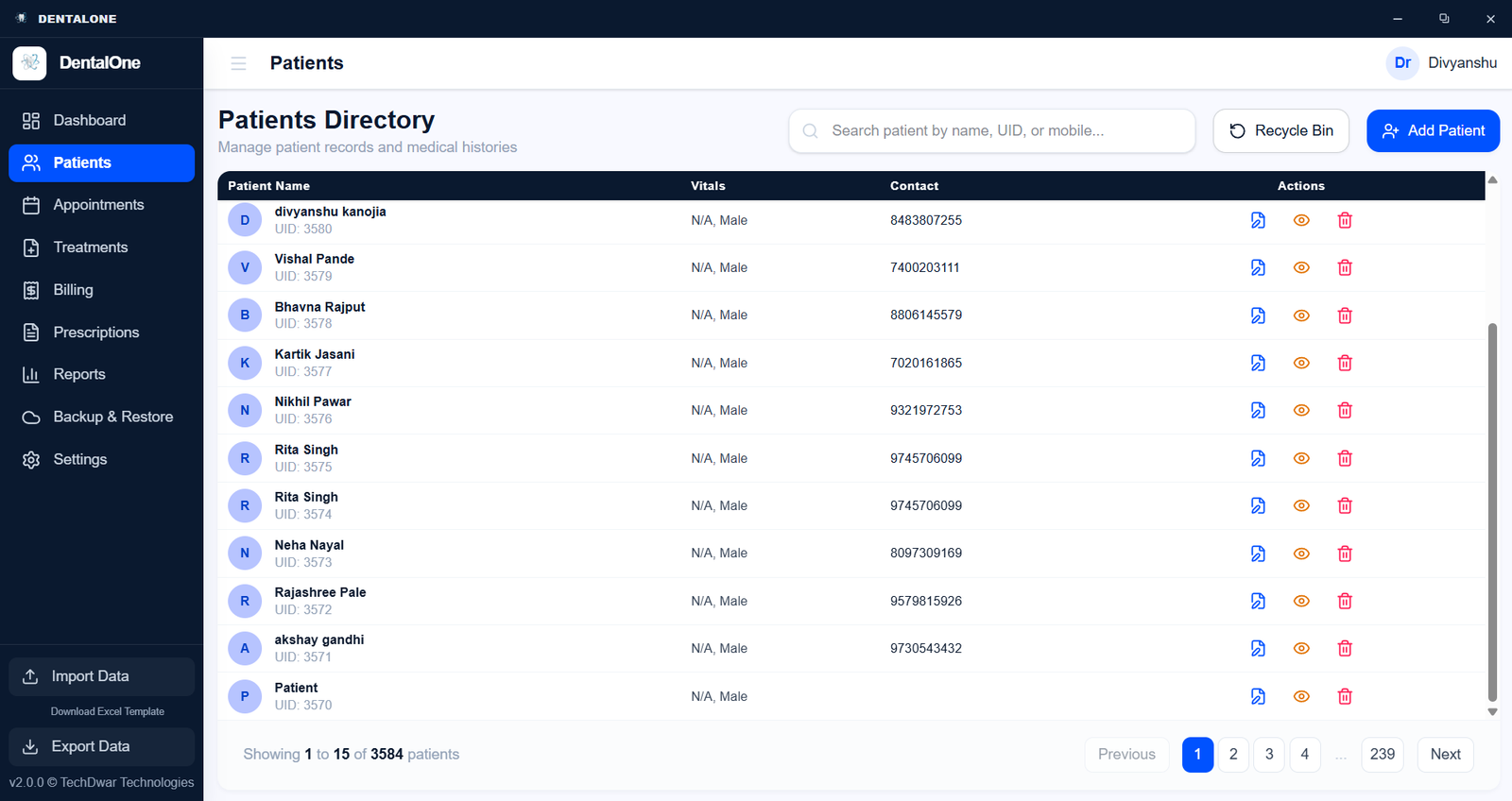
Appointment Management
Review the daily schedule through a structured appointment list showing patient details, assigned doctors, and consultation statuses. Monitor pending payments and manage visits directly from the central dashboard.
- Appointment Tracking
- Status Indicators
- Doctor Assignments
- Payment Visibility
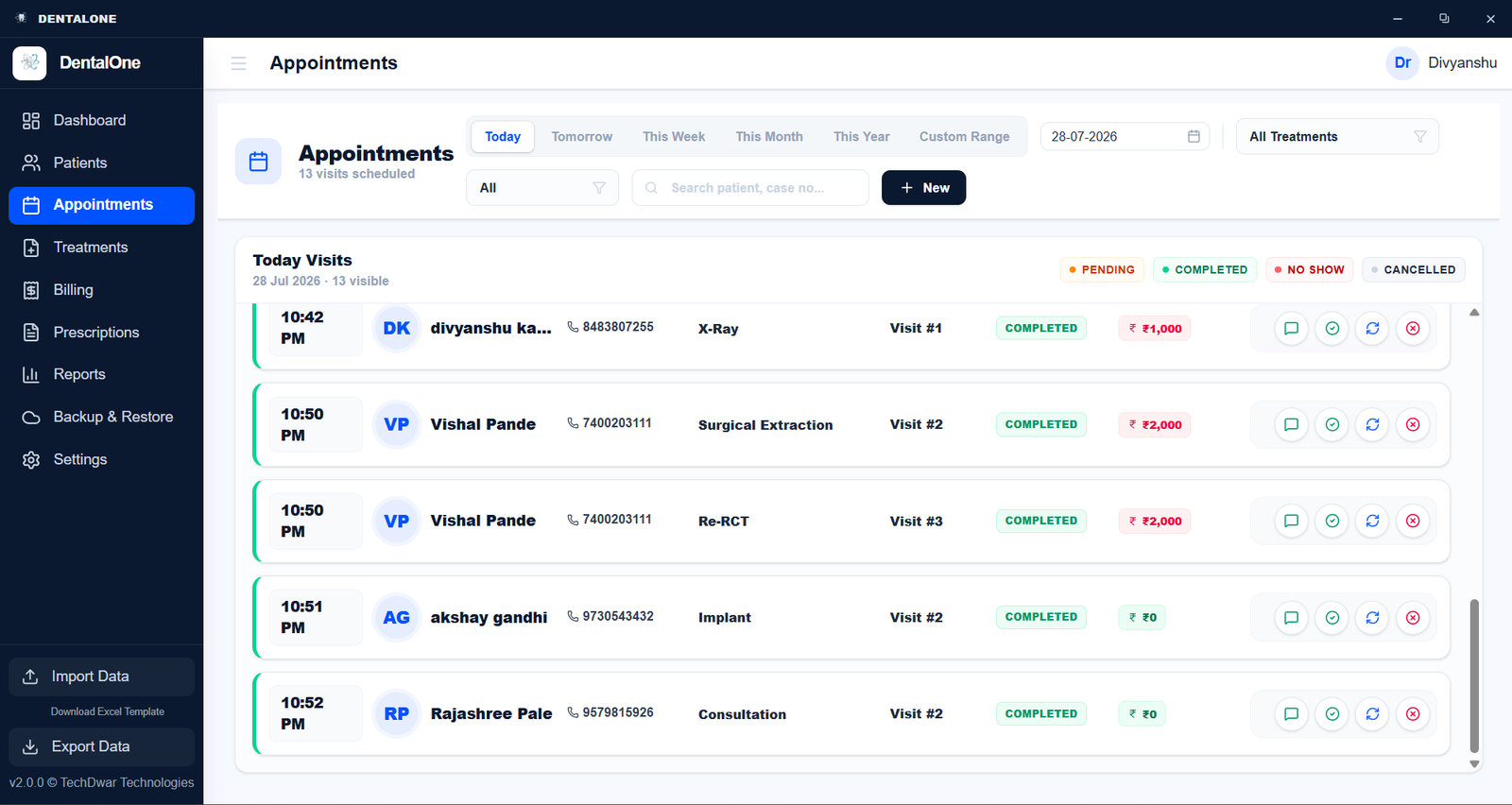
Patient Records
Access complete patient profiles with dedicated tabs for medical history, past visits, prescriptions, and invoices. Review personal details and add new visits without navigating away from the core record.
- Centralized Profiles
- Visit History
- Medical Records
- Invoice Tracking
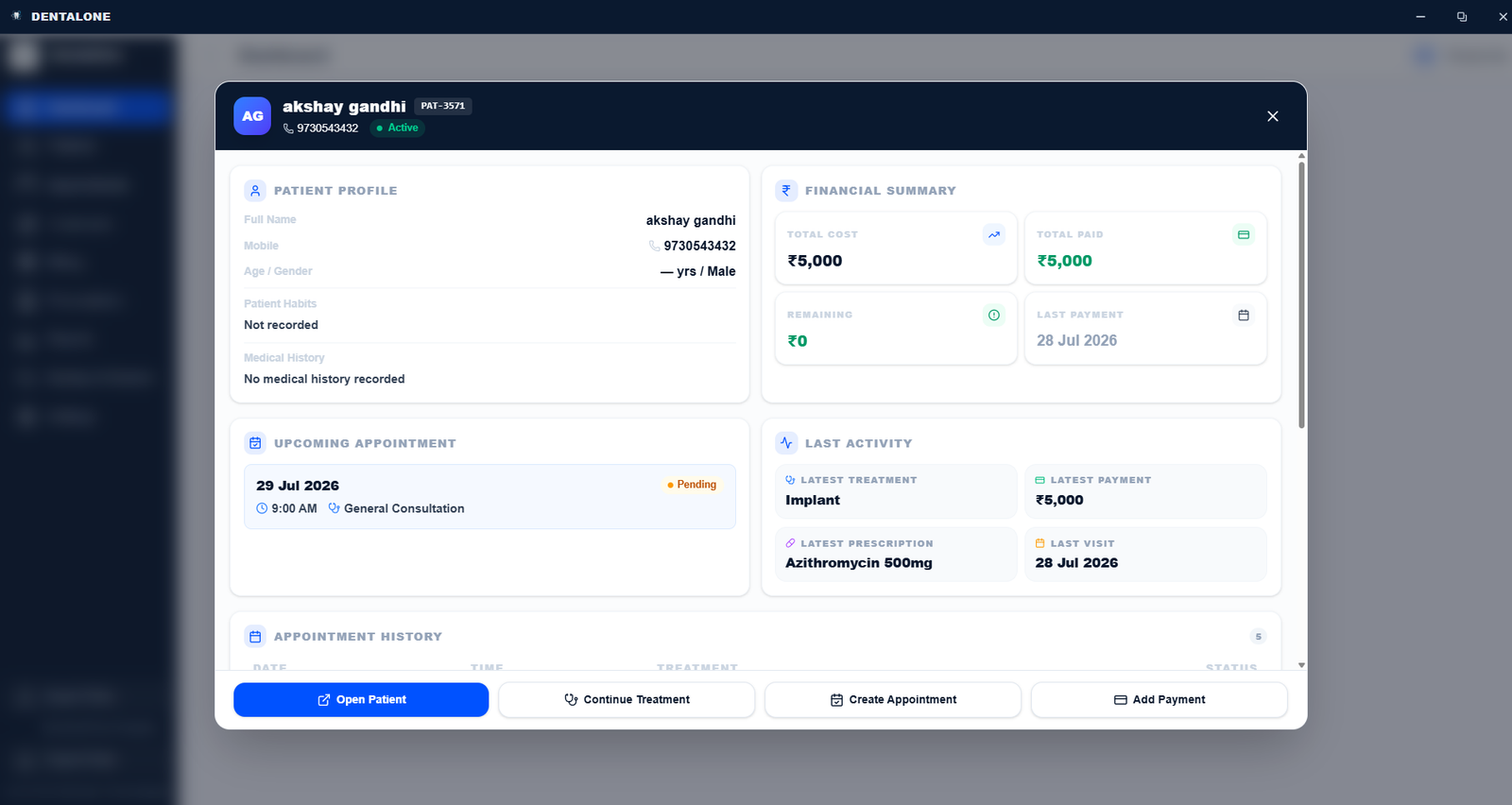
Treatment History
Log specific procedures alongside a visual dental chart and calculate treatment costs. Apply itemized discounts and finalize comprehensive treatment plans directly within the patient file.
- Procedure Logging
- Visual Dental Chart
- Cost Calculation
- Itemized Discounts
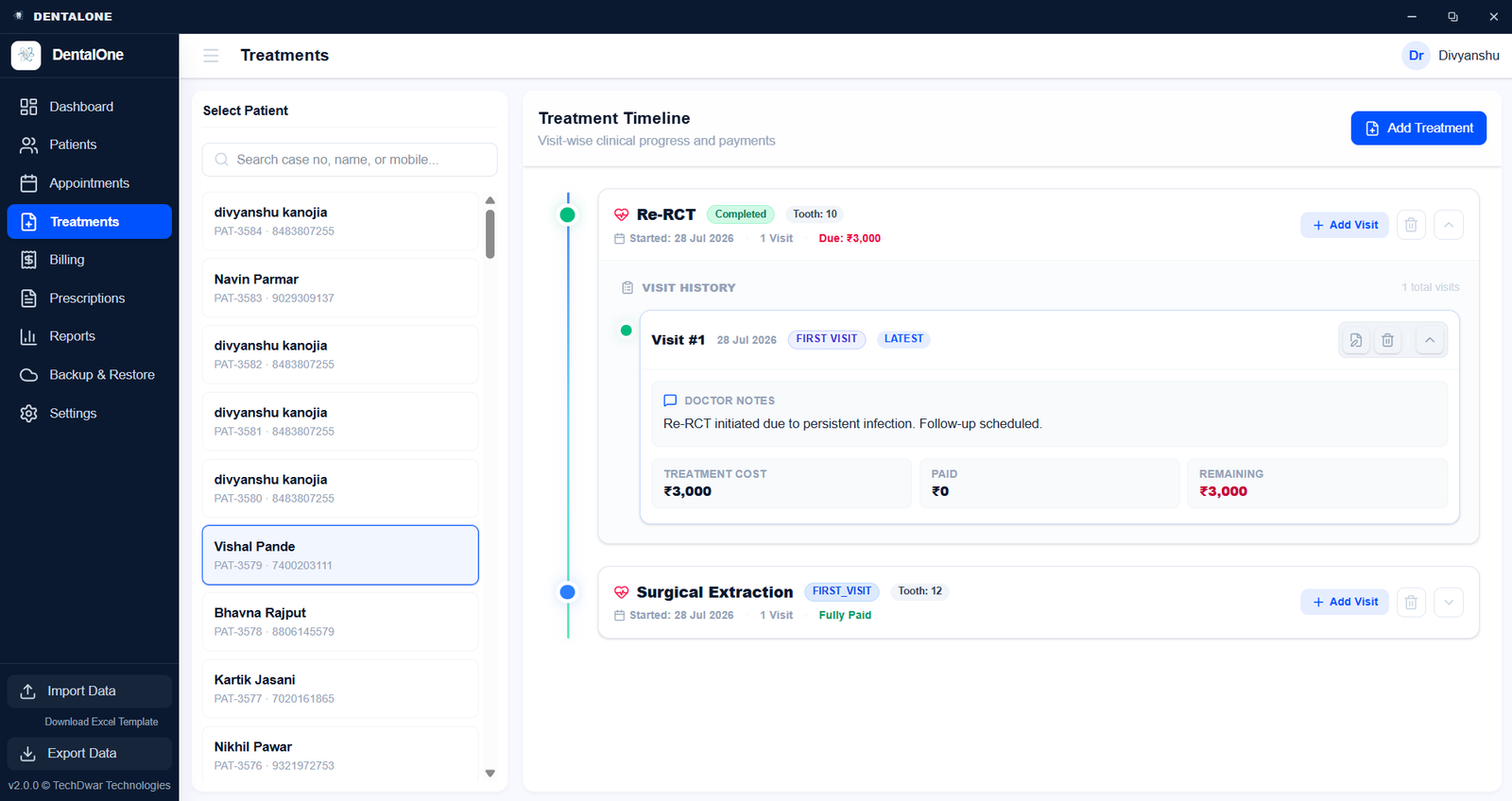
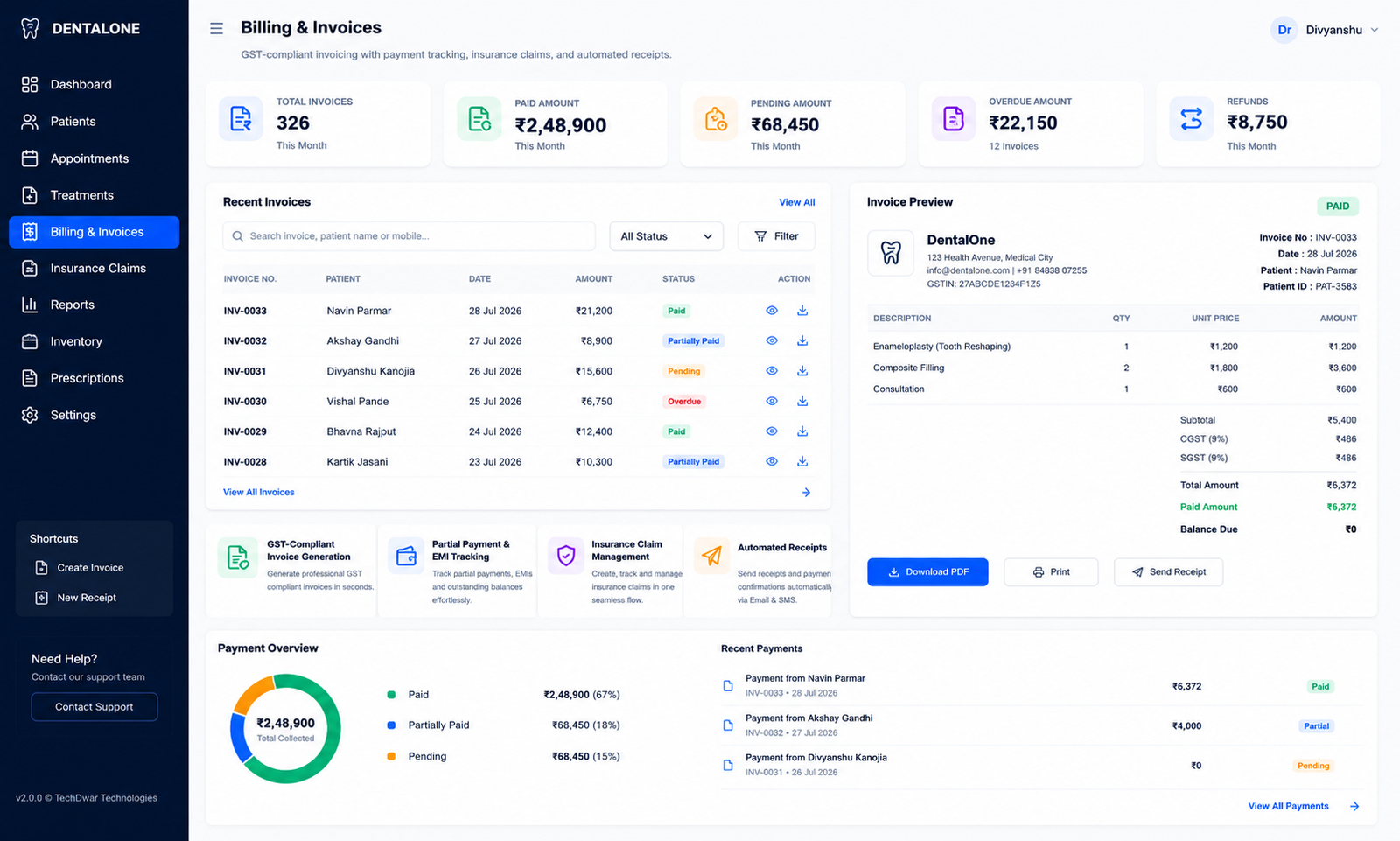
Billing & Invoices
Monitor financial performance through a dedicated dashboard displaying total revenue, patient volume, and recent transactions. Analyze income trends over time using visual charts to track practice growth.
- Revenue Dashboard
- Transaction History
- Performance Metrics
- Income Trend Charts
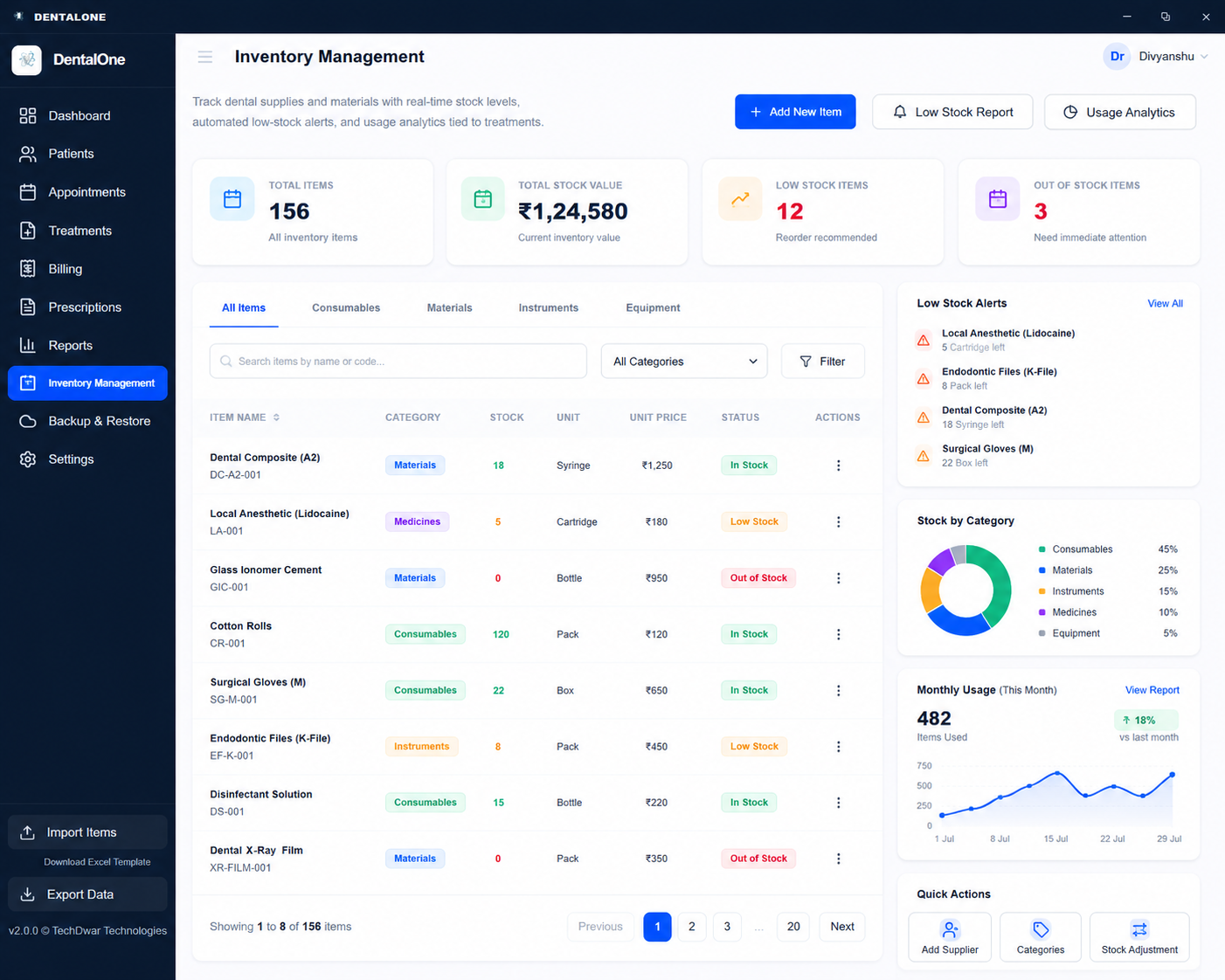
Inventory Management
Manage material supplies with a dashboard showing stock levels, item categories, and low-stock warnings. Track individual item quantities and monitor the total financial value of the current inventory.
- Stock Level Monitoring
- Category Breakdown
- Low Stock Alerts
- Inventory Valuation
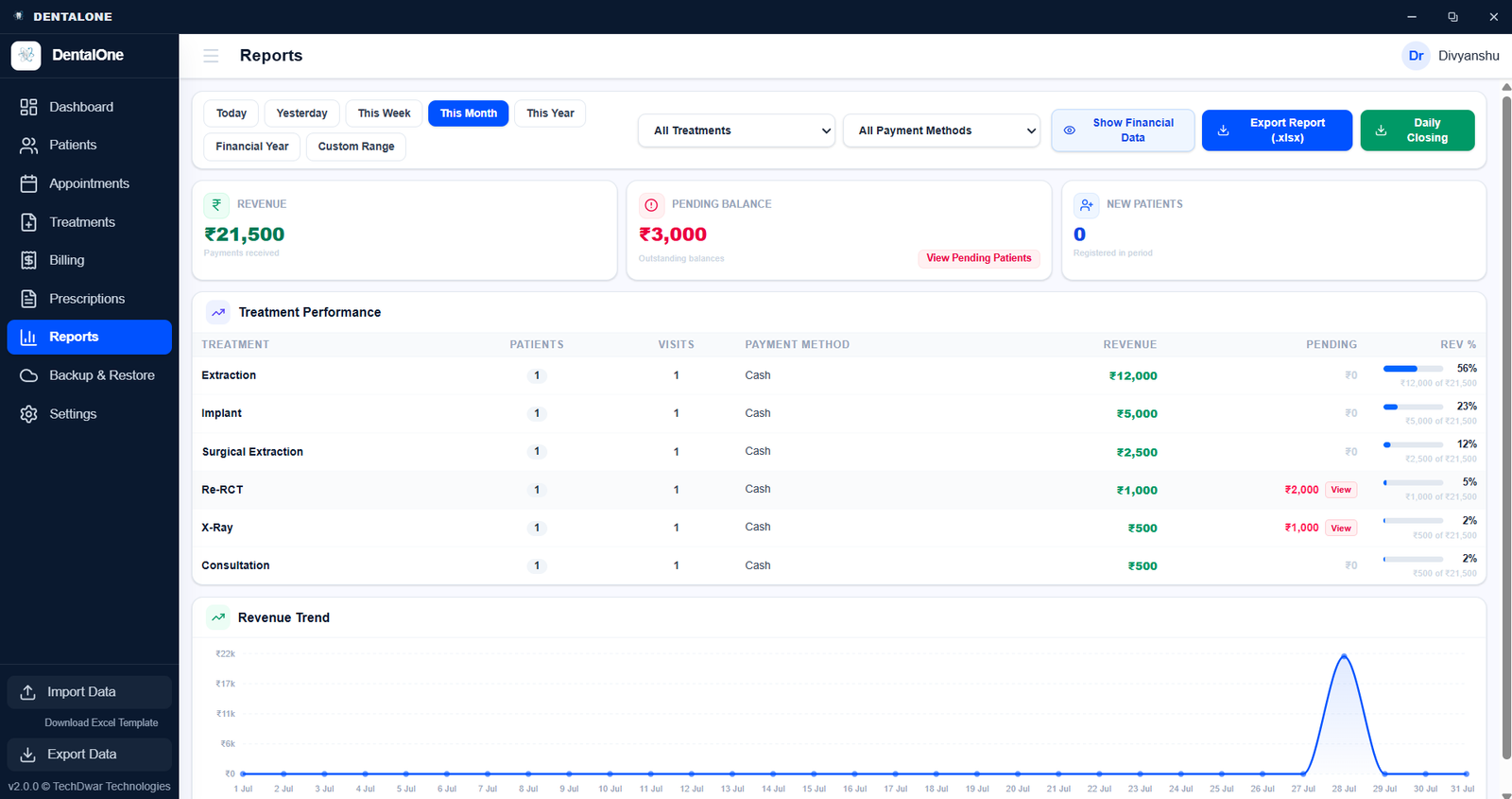
Reports & Analytics
Generate tabular reports combined with visual trend charts to analyze clinic operations. Filter data by date ranges and export findings to review patient and financial metrics in depth.
- Tabular Data Views
- Visual Trend Charts
- Data Filtering
- Metric Analysis
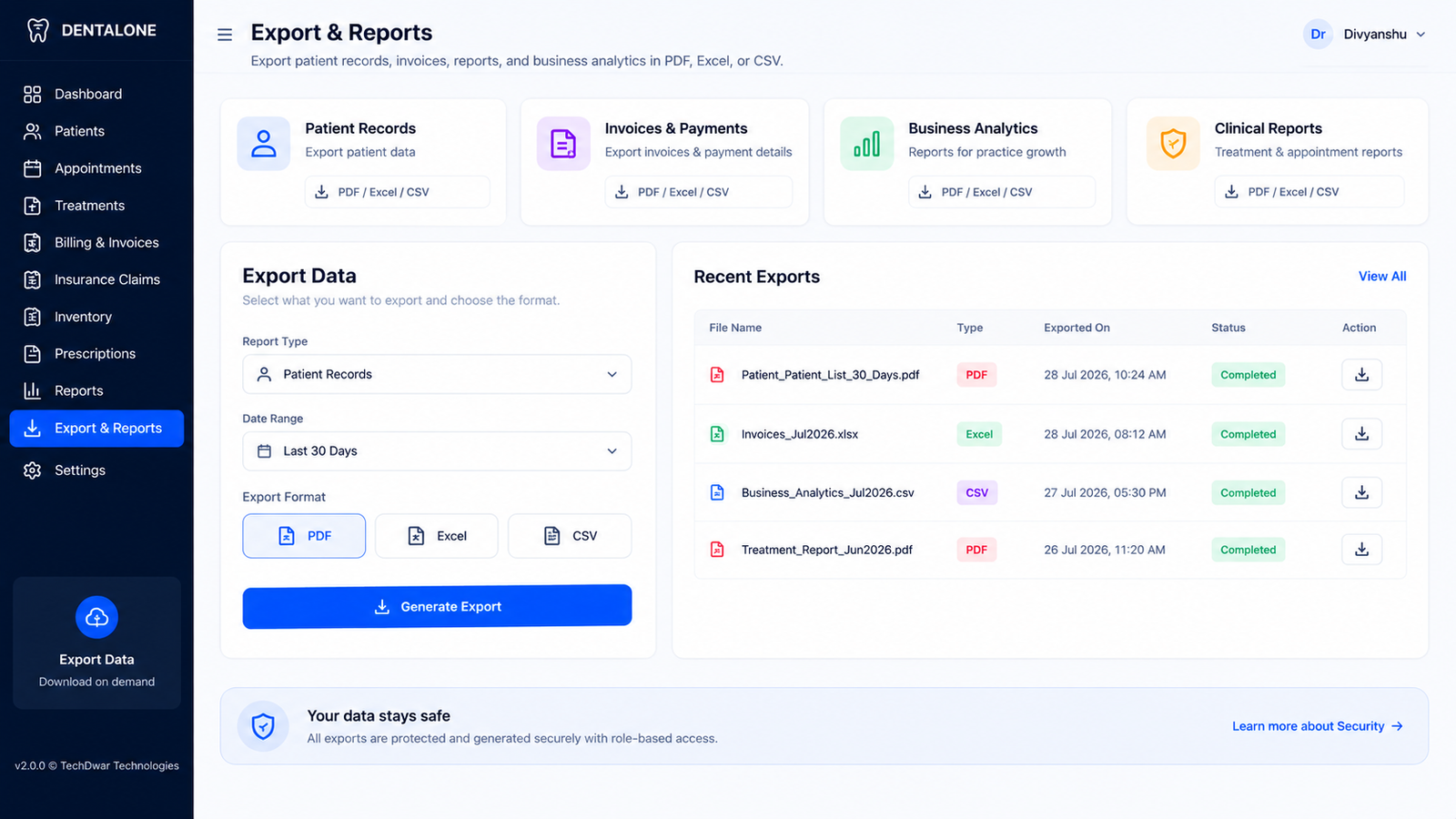
Export & Reports New
Generate and download structured data files for patients, finances, appointments, and inventory. Select the required data category and export it instantly into standard formats for external review or record-keeping.
- Category Selection
- PDF Exports
- Excel Downloads
- CSV Formatting
- Financial Reports
- Patient Reports
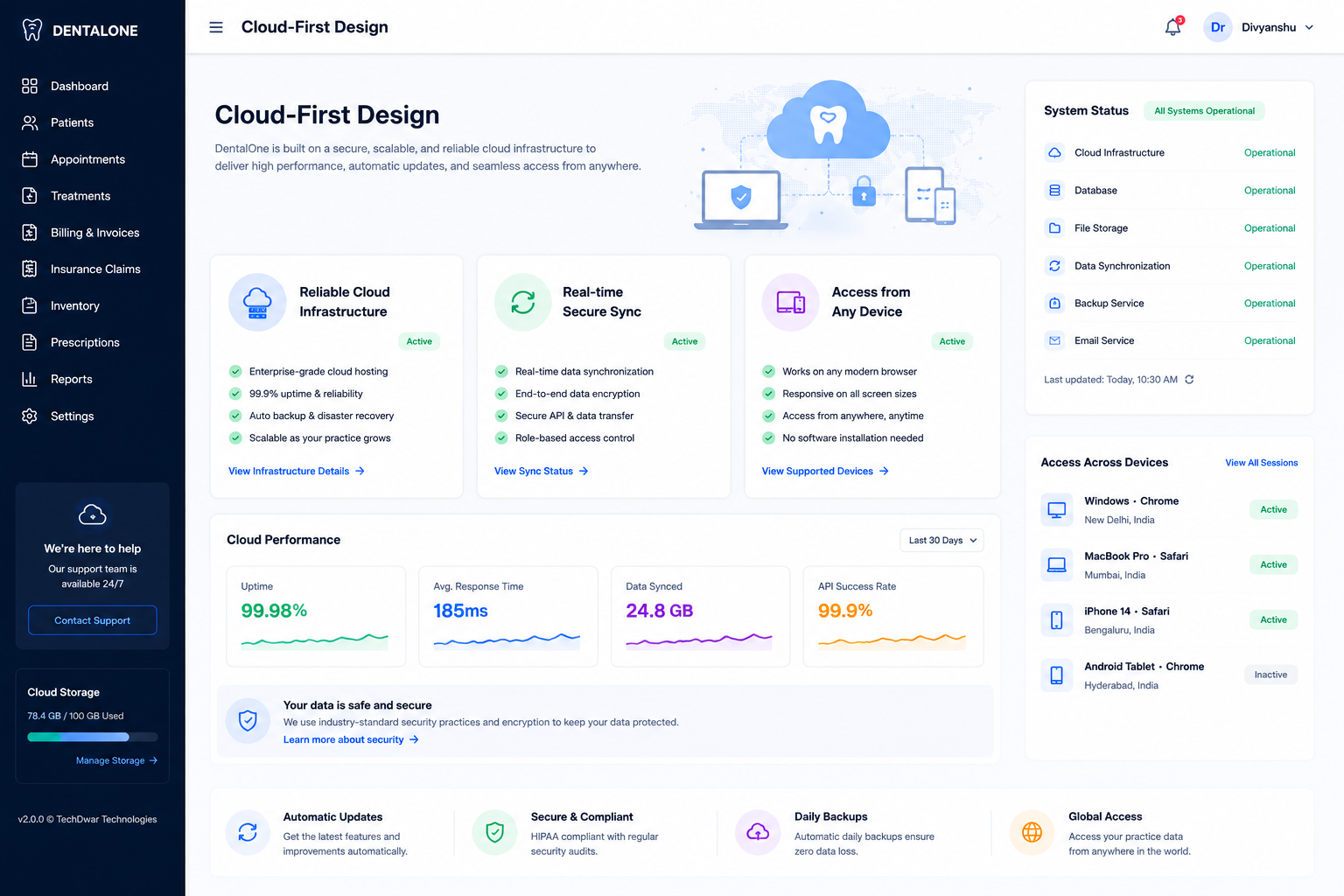
Cloud Performance
Monitor infrastructure health through a centralized control panel displaying sync status, encryption levels, and backup schedules. Verify data center connections and ensure the application remains securely hosted.
- Sync Status Dashboard
- Backup Verification
- Encryption Monitoring
- Infrastructure Overview
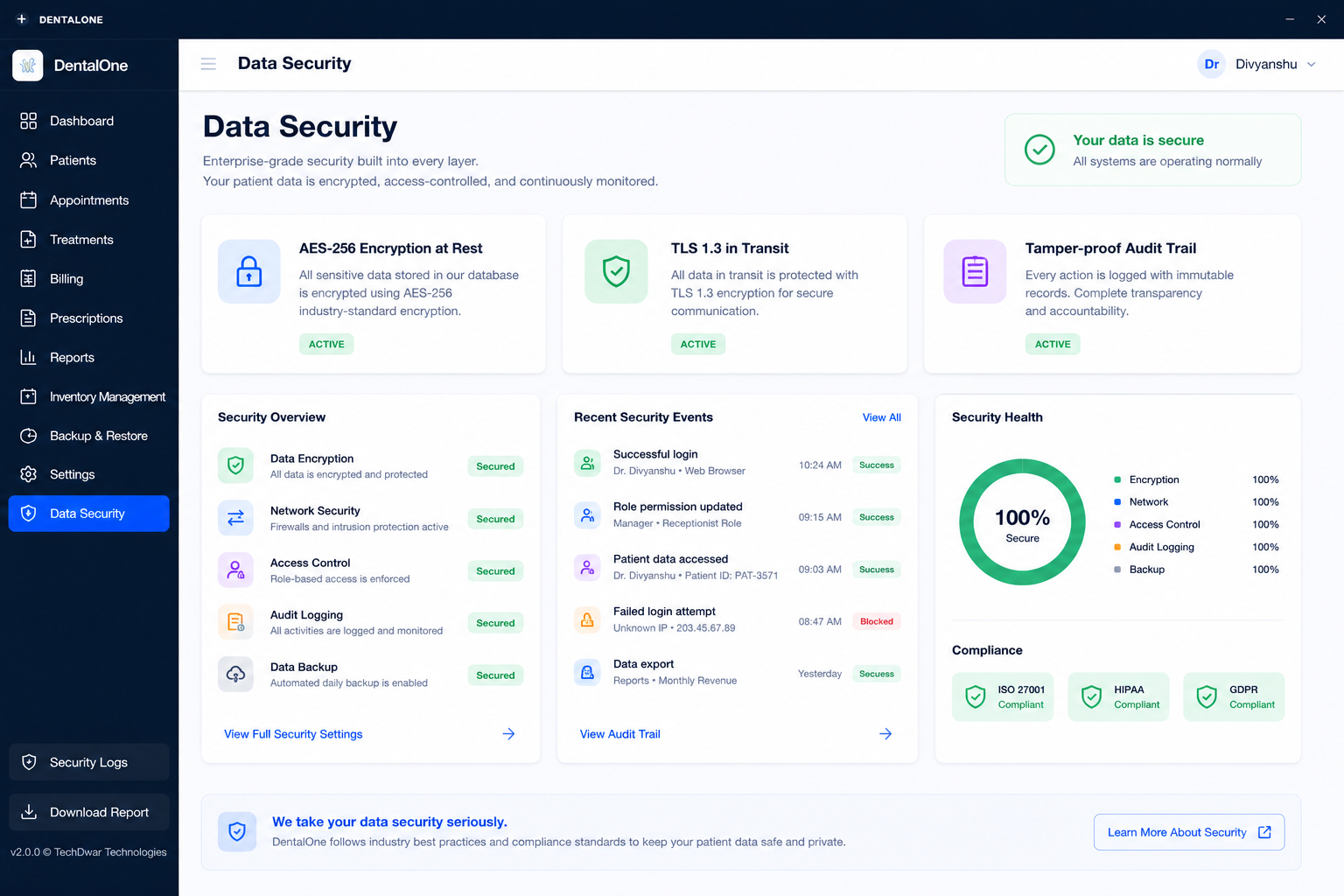
Enterprise Security
Review system safety metrics on a dedicated security dashboard highlighting encryption status and active threat monitoring. Track access logs and verify overall system integrity through visual health indicators.
- Security Dashboard
- Encryption Status
- Access Log Tracking
- Threat Monitoring
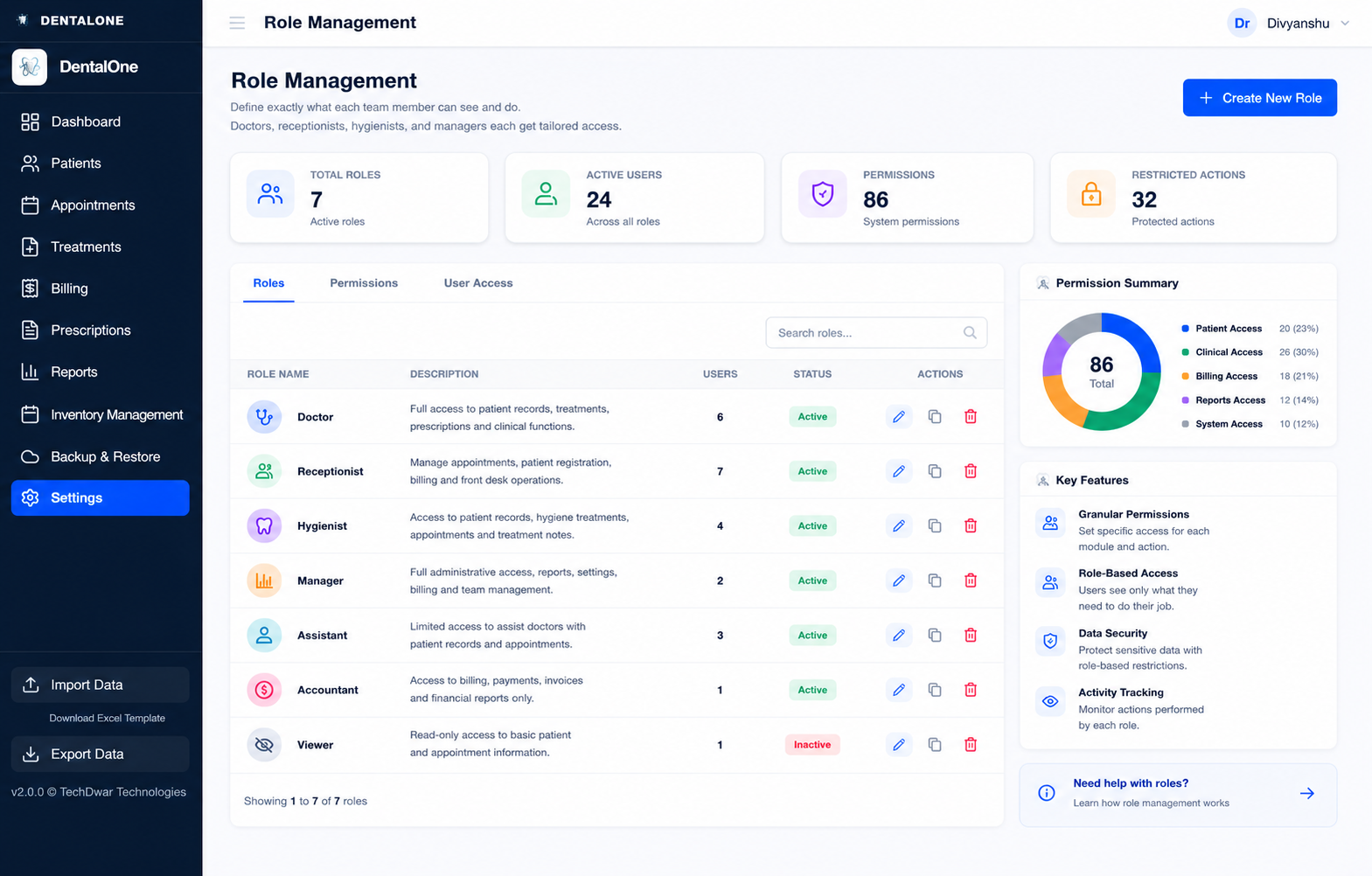
Role Management
Configure system access by defining specific user roles and their associated permission levels. Monitor the distribution of roles across the staff and manage active accounts from a centralized administration view.
- Role Assignment
- Permission Tracking
- User Distribution Chart
- Account Management
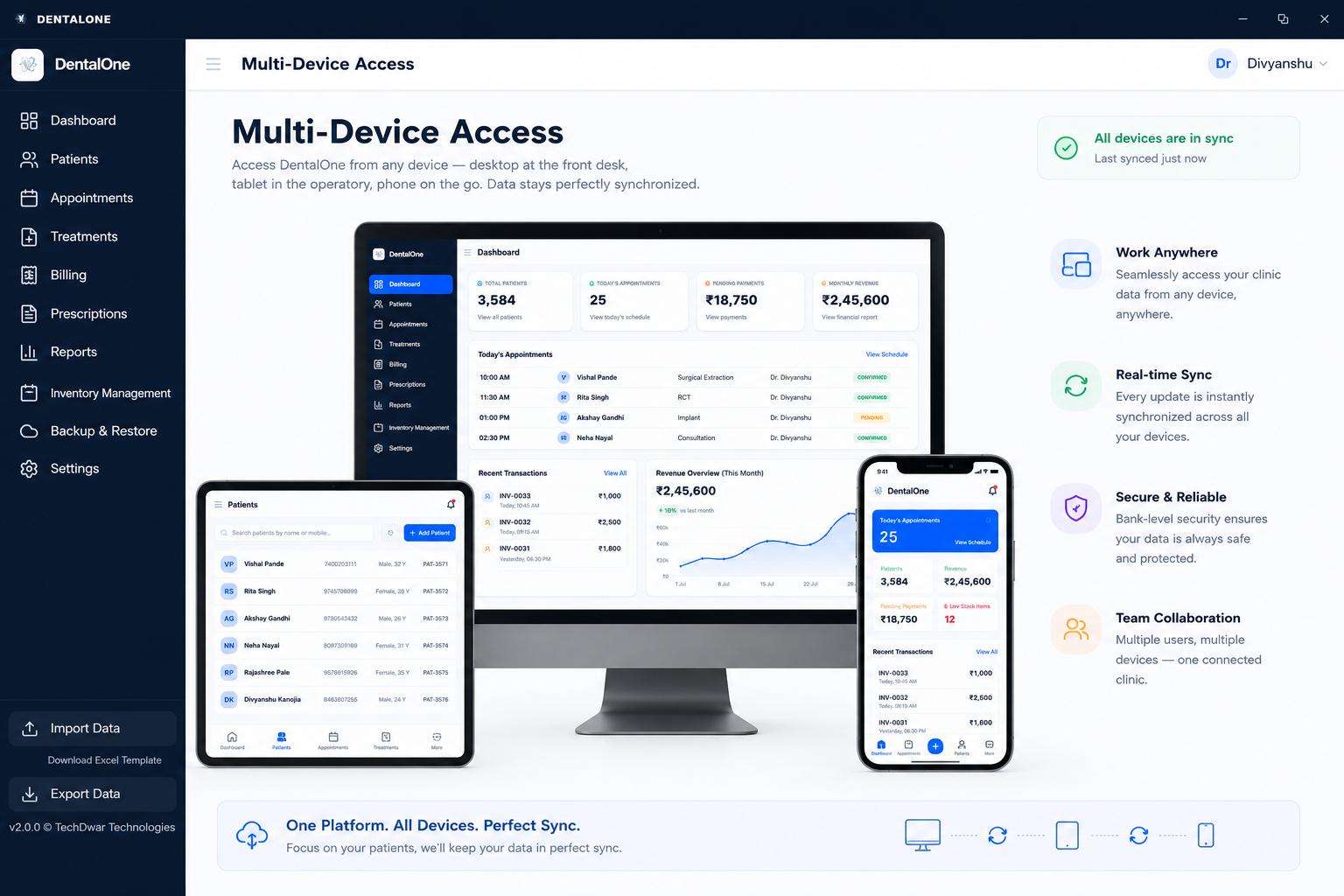
Multi Device
Access the platform across desktop monitors, tablets, and mobile phones with a responsive interface. Maintain administrative control and view real-time updates regardless of the device you use.
- Desktop Interface
- Tablet Optimization
- Mobile Accessibility
- Responsive Layouts
Patient Directory
Navigate the patient base using a structured directory featuring contact details, recent visit dates, and upcoming appointments. Quickly locate individual profiles and review their current status at a glance.
- Patient Roster
- Contact Information
- Visit Timelines
- Status Overview